Your clients drag-and-drop a CSV, Excel, or JSON file and instantly get auto-generated KPIs, interactive charts, outlier detection, calculated columns, and a conversational AI that answers questions about their data.

Drag-and-drop a file, paste raw data, or try the built-in sample dataset — the AI starts analyzing immediately.
Clients can drag-and-drop CSV, Excel (.xlsx/.xls), or JSON files. They can also paste tab-separated or comma-separated data directly into the tool. A "Try Sample Data" button loads a demo dataset so clients can explore the tool before uploading their own. Up to 20 datasets can be stored.
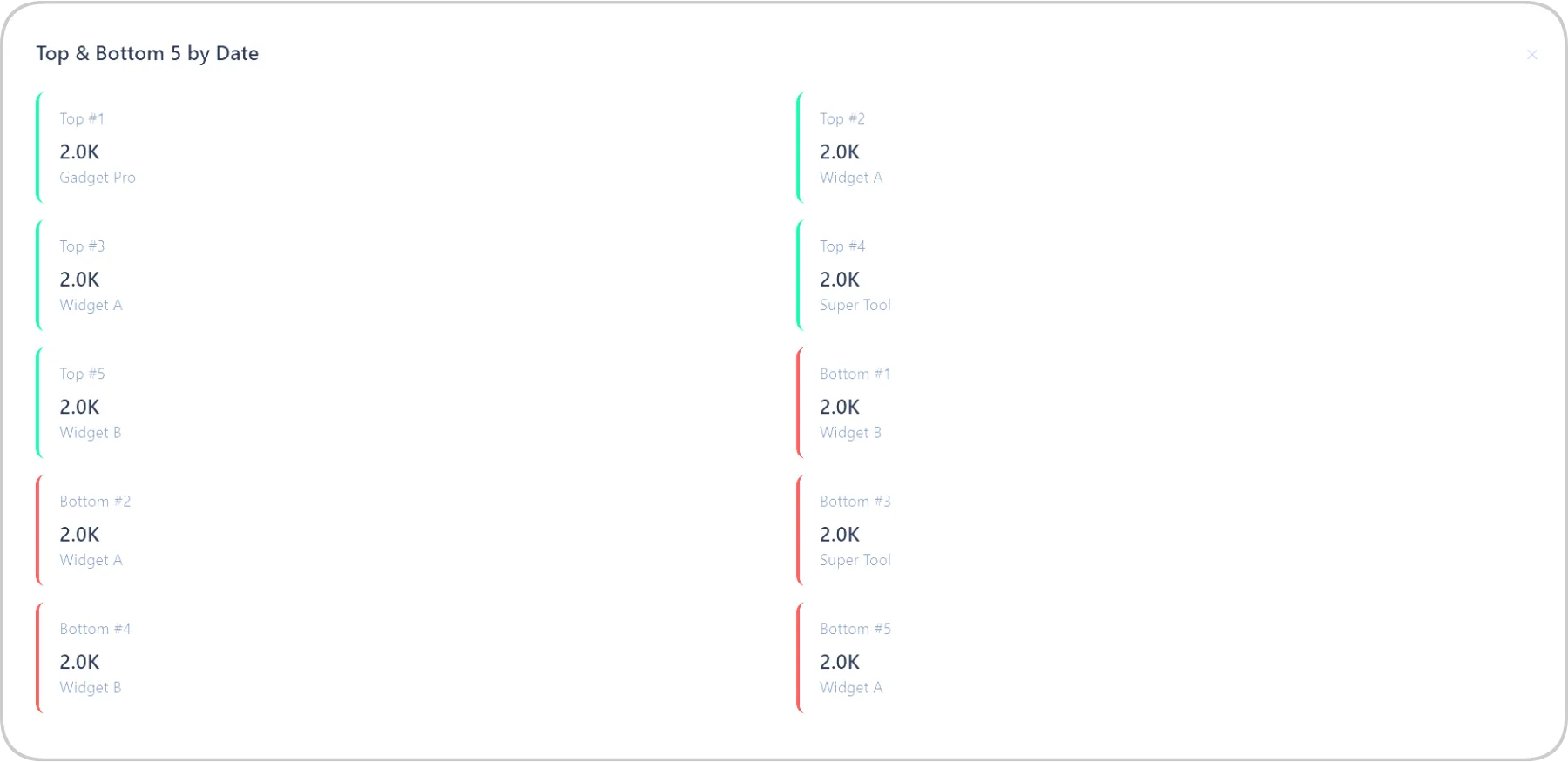
The moment data loads, the AI generates KPIs, visualizations, a data table, and insights — no configuration needed.
Total rows, sum and average for every numeric column, formatted with K/M suffixes. Instant snapshot of the data's key metrics.
Bar, line, and pie charts with dynamic X/Y axis selection. 15-point label limit keeps charts readable. Click-to-filter on chart elements.
First 50 rows displayed with sticky headers, clickable cells for detail view, and automatic outlier highlighting in red.
Type queries like "sales > 20000", "region = North", "name contains John". Supports >, <, >=, <=, =, !=, contains, starts with, ends with.
IQR method identifies statistical outliers automatically. Highlights rows in red with a detection summary showing how many were found.
Add new columns with math operations (+, -, ×, ÷, %) between existing numeric columns. Create profit margins, growth rates, or any derived metric.
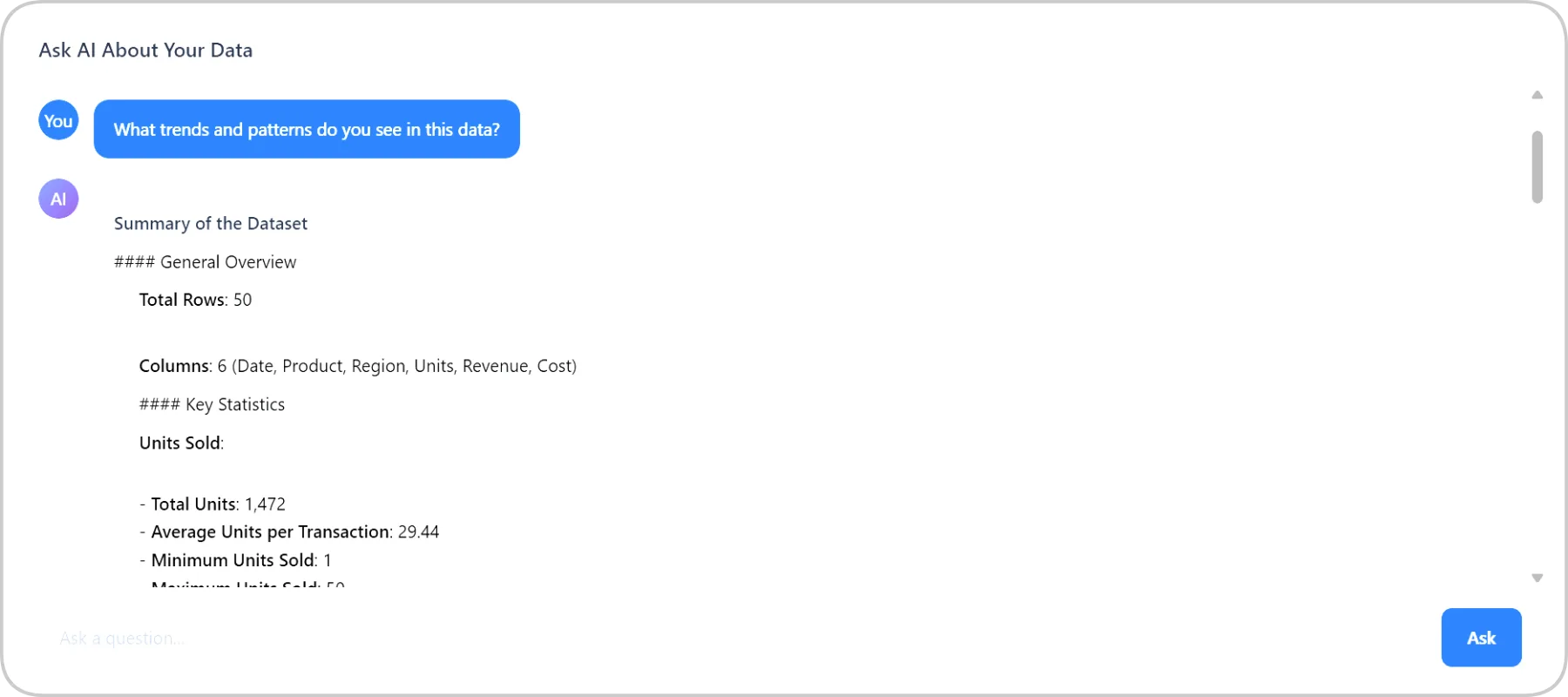
The built-in AI chat lets clients ask natural language questions and get formatted answers with markdown — plus quick action buttons for common analyses.
Clients type questions like "What's the average revenue by region?" or "Which salesperson had the highest Q3 numbers?" and the AI returns formatted, accurate answers based on the uploaded dataset. Three quick action buttons — Full Summary, Find Trends, Find Outliers — send pre-built queries to the AI instantly.
From upload to export — every tool a business needs to understand their data.
CSV, Excel (.xlsx/.xls), JSON. Drag-and-drop or paste directly.
Bar, line, pie — with dynamic axis selection and click-to-filter.
Total rows, sums, averages — formatted with K/M suffixes automatically.
Natural language queries with filter chips, clear all, and quick dropdown.
IQR method, red-highlighted rows, detection summary.
Math operations between columns — create margins, rates, differences.
Ask questions in plain English, get markdown-formatted answers.
Download filtered or full datasets in CSV or JSON format.
Any business that works with data — sales reports, customer lists, financial records — needs this tool.
Toggle on AI Business Intelligence in your dashboard. Part of the 19-tool AI Business Suite.
You pay wholesale. Sell for $39, $79, $149/mo — data analytics tools command premium pricing.
Sales teams, marketers, finance departments, agencies, e-commerce — anyone drowning in spreadsheets.
Client drags in a CSV or Excel file and instantly gets KPIs, charts, and AI insights. No setup needed.
Any business that makes decisions from data — which is every business that wants to grow.
Every business is sitting on data they can't make sense of. Give your clients an AI analyst that turns spreadsheets into insights — with zero monthly platform fees.
