Introduction to Automated Onboarding Sequences
For digital resellers using ResellPortal, creating a smooth onboarding experience for new clients is crucial. Automated onboarding sequences can enhance customer satisfaction, reduce churn, and streamline your operations without requiring extensive manual input. This strategy focuses on automating client interactions from signup to their first successful use of your products.
Step-by-Step Guide to Setting Up Automated Onboarding
Step 1: Define Your Onboarding Goals
Before setting up your automated sequences, it’s essential to clarify your goals. Typical onboarding objectives include:
- Educating clients about your offerings.
- Encouraging the first use of a service (e.g., AI tools from ResellPortal’s AI Business Suite).
- Collecting initial feedback to improve your service.
Step 2: Choose Your Communication Channels
Select the communication methods you’ll use for onboarding. Options include:
- In-app notifications
- SMS
For instance, after a client signs up, you can start by sending a welcome email explaining how to navigate their new white-label storefront.
Step 3: Create Engaging Content
Develop content for each step of the onboarding process. This content should be helpful and engaging, focusing on how to utilize the products effectively. For example:
- A welcome email introducing the reseller platform.
- A video tutorial on setting up their storefront, including linking their custom domain.
- Guides on how to toggle products and set markups, especially for highly sought-after items like the Website Builder.
Step 4: Automate Your Sequences with a Tool
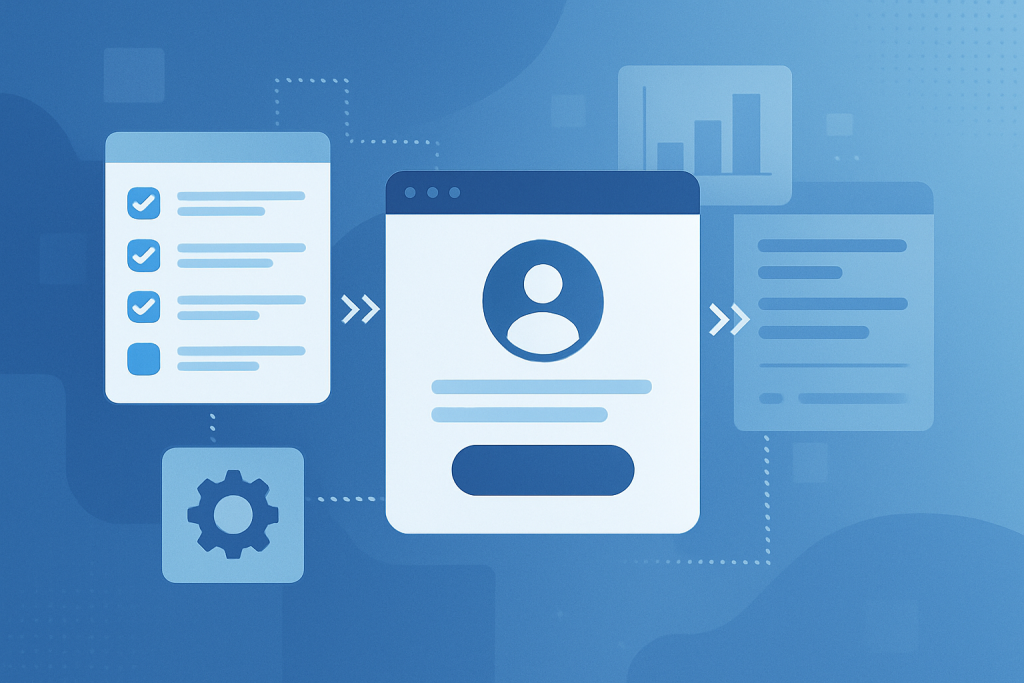
To automate your onboarding, use a marketing automation tool that allows you to create workflows. Here’s a simple workflow to follow:
- Trigger: Client signs up on your ResellPortal dashboard.
- Action 1: Send a welcome email.
- Action 2: Schedule a follow-up email with a guide to setting up products.
- Action 3: After a week, send a reminder email encouraging them to explore additional features.
Step 5: Monitor and Optimize
After launching your onboarding sequence, monitor client engagement and feedback. Key metrics to track include:
- Email open rates
- Click-through rates on tutorial links
- Client activation rates (e.g., how many clients set up their storefronts and toggle products)
Use this data to refine your content and processes continuously. For example, if clients frequently ask about specific features, consider enhancing your educational materials on those topics.
Benefits of Automated Onboarding Sequences
Implementing automated onboarding sequences with ResellPortal can lead to:
- Improved customer experience as clients get timely information.
- Higher retention rates, as clients who feel supported are less likely to churn.
- More efficient use of your time, allowing you to focus on acquiring new clients.
Conclusion
Automating your onboarding sequences using the tools provided by ResellPortal not only enhances your client’s initial experience but also sets the stage for long-term success. With careful planning, engaging content, and a strong monitoring strategy, you can create a seamless onboarding process that drives client satisfaction and enhances revenue.
Ready to start your journey with ResellPortal? Sign up for free at ResellPortal today!